A status in one tap
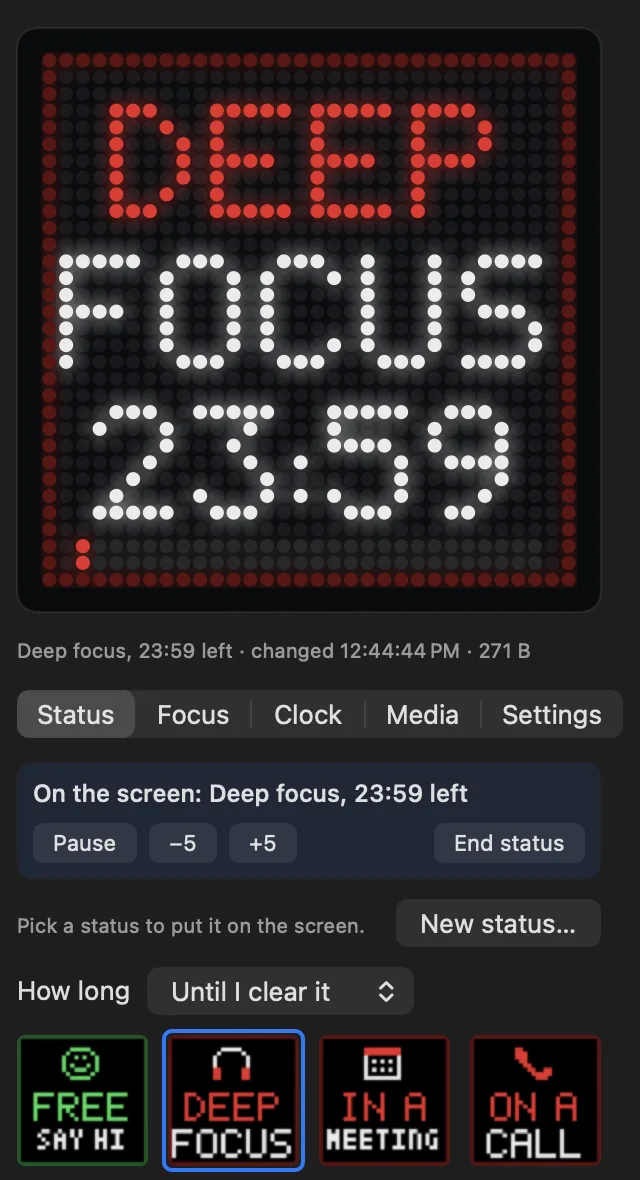
Thirteen come ready, from In a meeting to Low social battery. You can make your own with your words and an emoji.
Dotty for iPhone and Mac puts what you're doing on a small 32x32 LED screen by your desk or door, so people can see you're on a call before they knock.
Free for 14 days. No account needed. Works with the generic 32x32 screens made for the iPixel Color app: which screen to buy.
Two of the statuses on a 32x32 iPixel screen, filmed with an iPhone.
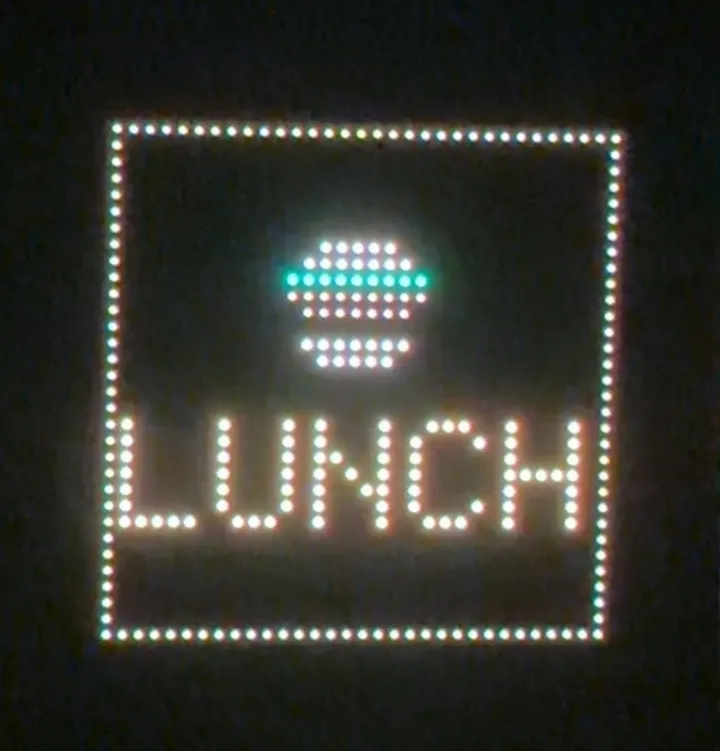
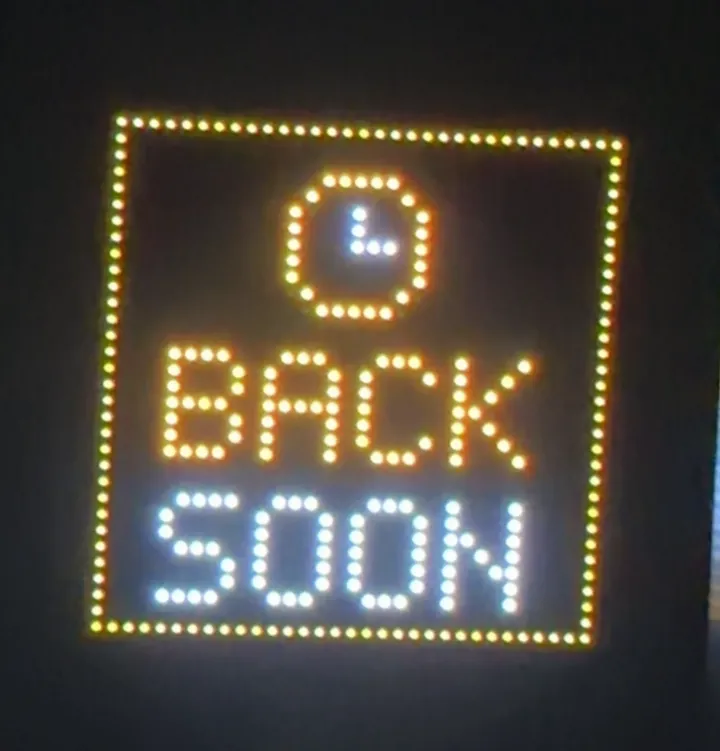
Thirteen come ready, from In a meeting to Low social battery. You can make your own with your words and an emoji.
Show when you'll be back, or count down a call. The screen keeps the time on its own.
Set how long you focus, how long the breaks last and how many rounds you want. Each one counts down on the screen with a bar along the bottom.
Dotty sends the next few hours to the screen ahead of time, so it carries on when your phone leaves the room or your Mac goes to sleep.
Add a GIF or a short video and the screen loops it by itself. Pictures work too.
On iPhone, a Live Activity keeps the timer on your Lock Screen. On the Mac, Dotty sits in the menu bar and can show On a call by itself while an app records or your camera is on.
There's nothing to sign up for and no tracking. Your pictures go straight to the screen over Bluetooth.
Twenty-one of them, from big digits and clock hands to binary and a word clock. The clock keeps working after the trial ends, whether you buy Dotty or not.
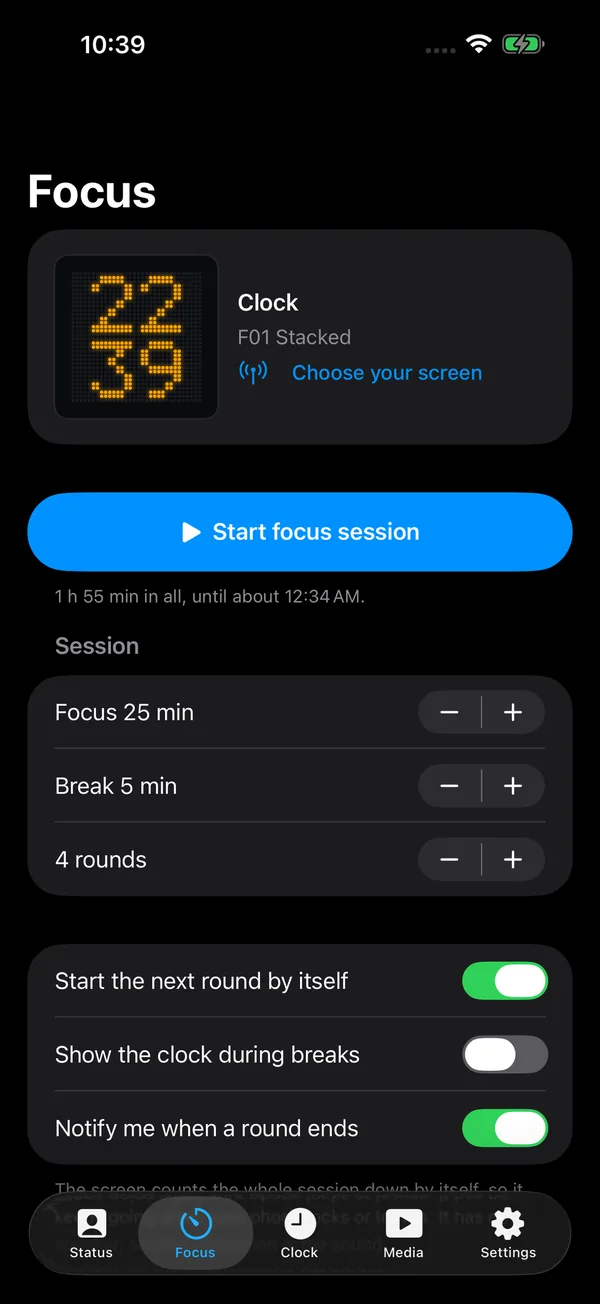
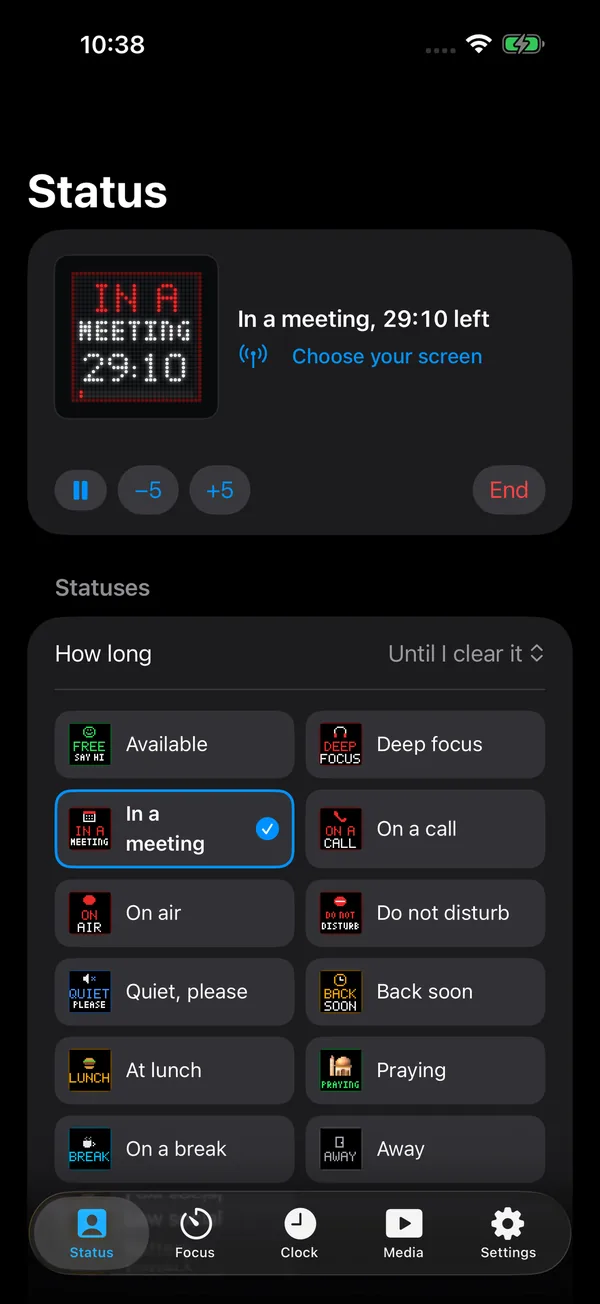
Statuses, focus sessions, clock faces and media, with a live preview of the screen at the top.
iOS 17 or later
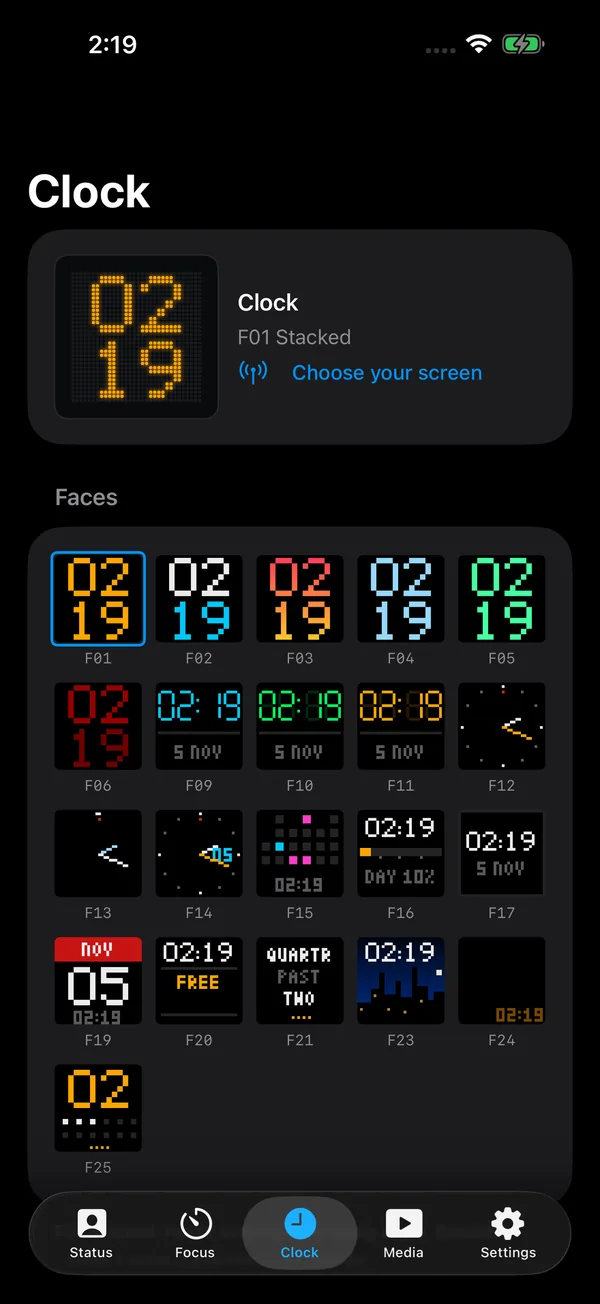
It lives in the menu bar, with the same statuses and clock faces as the iPhone app.
macOS 14 or later
Dotty works with the generic 32x32 LED screens made in China for the iPixel Color app. The same panel turns up under a different brand name on almost every listing, so the name on the box tells you very little. Check these four things instead.
LED_BLE_Once it's plugged in, it shows up in Dotty's list of screens under that name, followed by eight letters and numbers.Watch for look-alikes. Some 32x32 pixel frames look much the same but run the iDotMatrix or Divoom apps. Dotty can't drive those.
Checked on 7 November 2026. Sellers change their listings often, so compare against the checklist before you buy.
If these are gone, any screen that passes all four checks should work. If yours doesn't, tell us.
Everything is free for 14 days. After that you pay once, with no subscription.

Generic 32x32 LED screens made for the iPixel Color app. The screen section has a checklist and listings that match. Other sizes aren't supported yet.
No. They look similar, but each uses its own Bluetooth protocol, and Dotty only speaks the one the iPixel Color screens use.
No. Only one app can talk to the screen at a time, so close the iPixel app while Dotty is connected.
Only while something new is being sent. Clocks, timers and focus sessions run on the screen by themselves.
A Mac license can: it unlocks the iPhone app too, on up to 3 devices in all. A purchase made in the iPhone app covers iPhones on your Apple Account.
Almost nothing. There's no account, no ads and no analytics. The privacy policy lists exactly what leaves your device.
The support page covers the common problems, and a person answers the email.